AI Suggested Responses, custom subscriber fields, and dynamic images
No more starting from a blank composer — Inbox's new AI Suggested Responses give you a smart, tailored reply the moment you open a conversation, alongside richer subscriber context and personalized visuals at scale.
Highlights
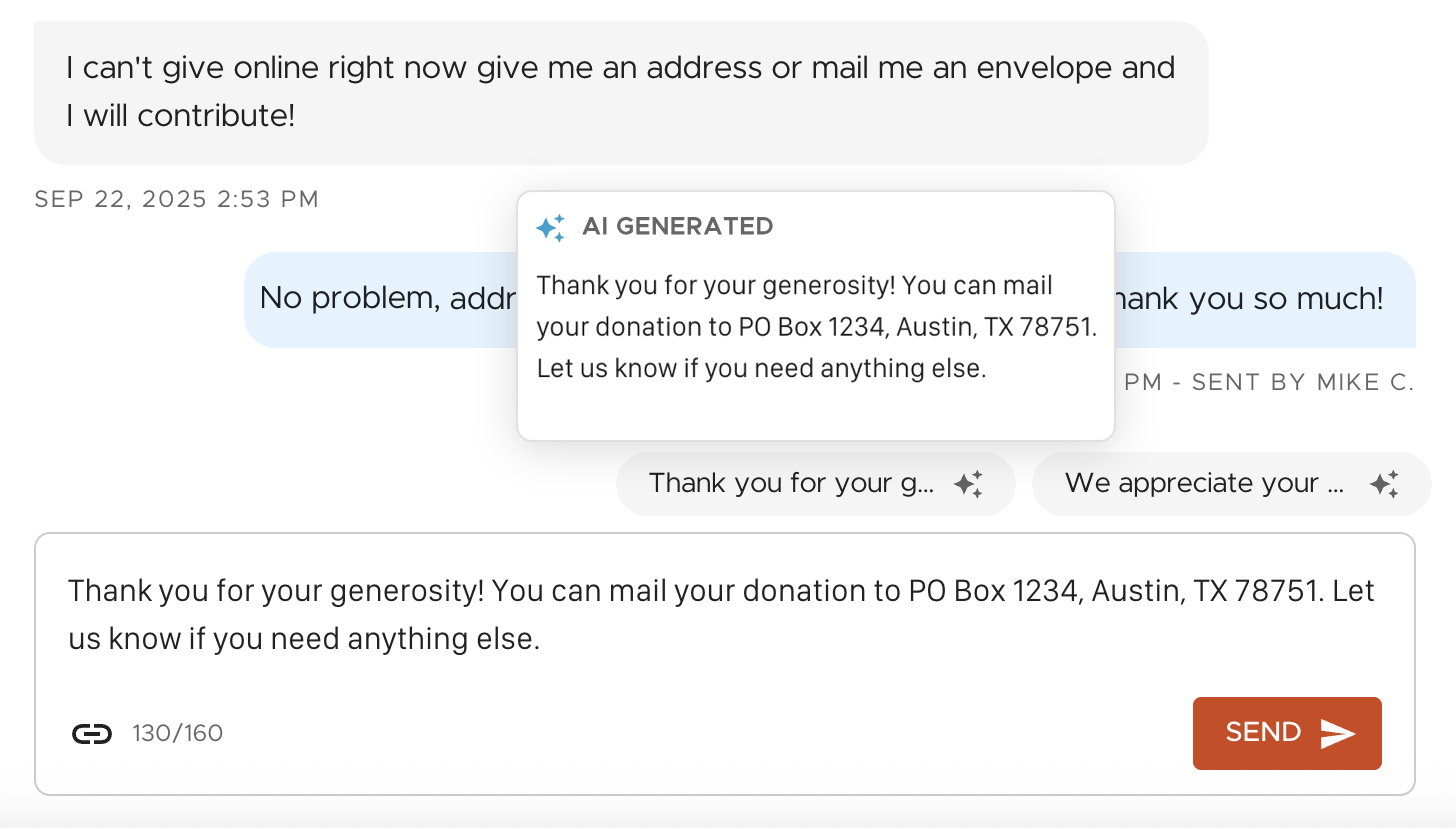
Speed through replies with AI Suggested Responses
Whether it's a donor asking how to give or an event participant seeking registration help, the AI suggests a ready-to-go message using your organization's and the conversation's context. Suggestions draw on the information saved under My Account → Account Settings → AI; Owners, Admins, and Managers can refine donation methods, contact details, and the organization description to make responses even more accurate. Click to insert a suggestion, then tweak it before sending — you stay in control, with less work.
Customize subscriber details with custom fields
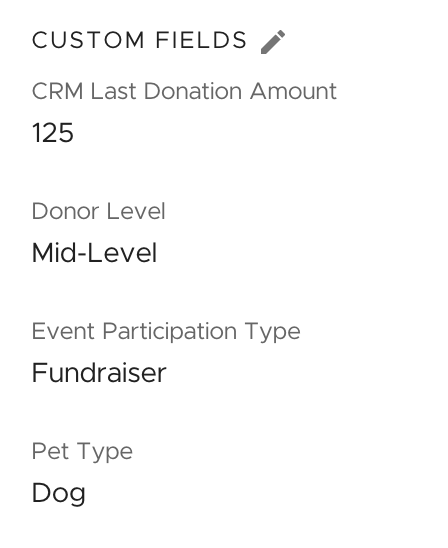
Add up to 5 Custom Fields so every conversation is more personal and context-aware — surfacing data like donor level, external CRM fields, or biographical information right alongside standard subscriber details.
- Custom fields are configured per list, so a subscriber on multiple lists can have unique fields for each
- Settings apply organization-wide — once fields are selected they're visible to all team members
Personalize visuals at scale with Dynamic Images
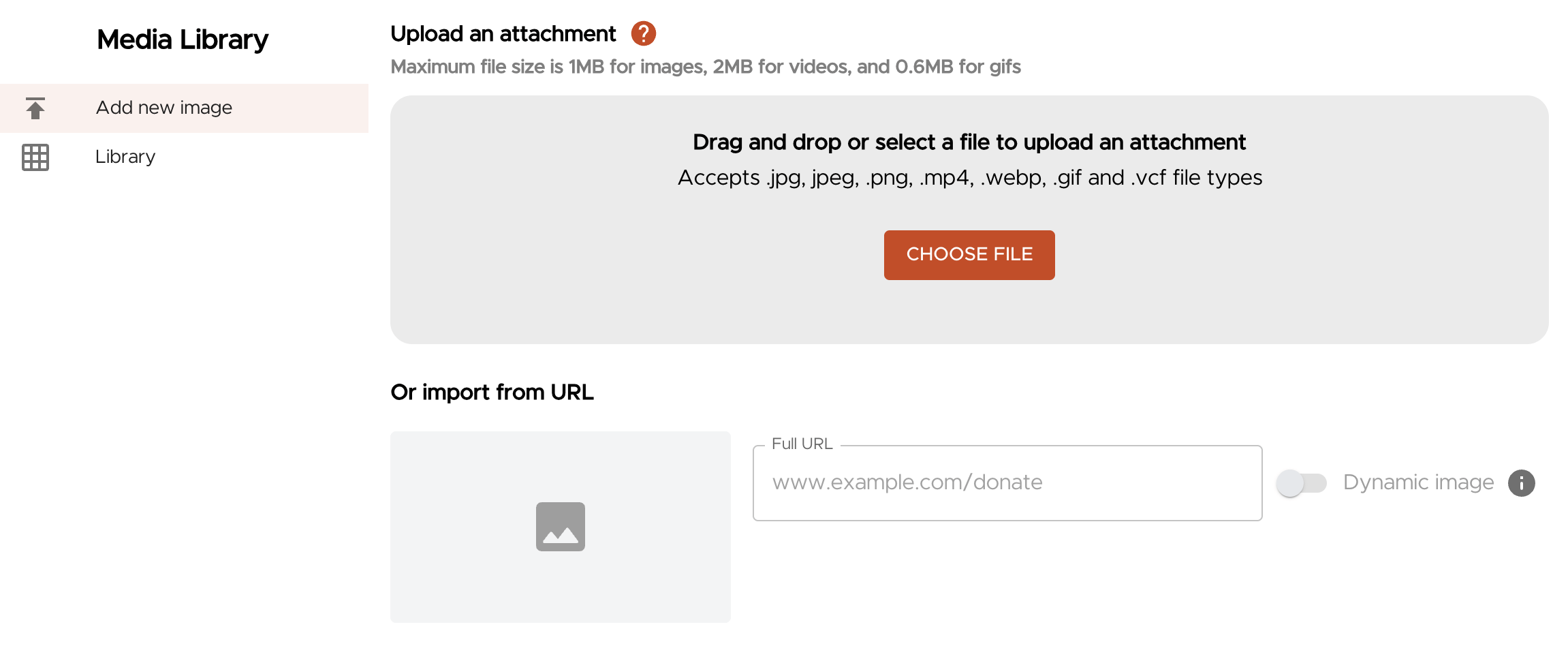
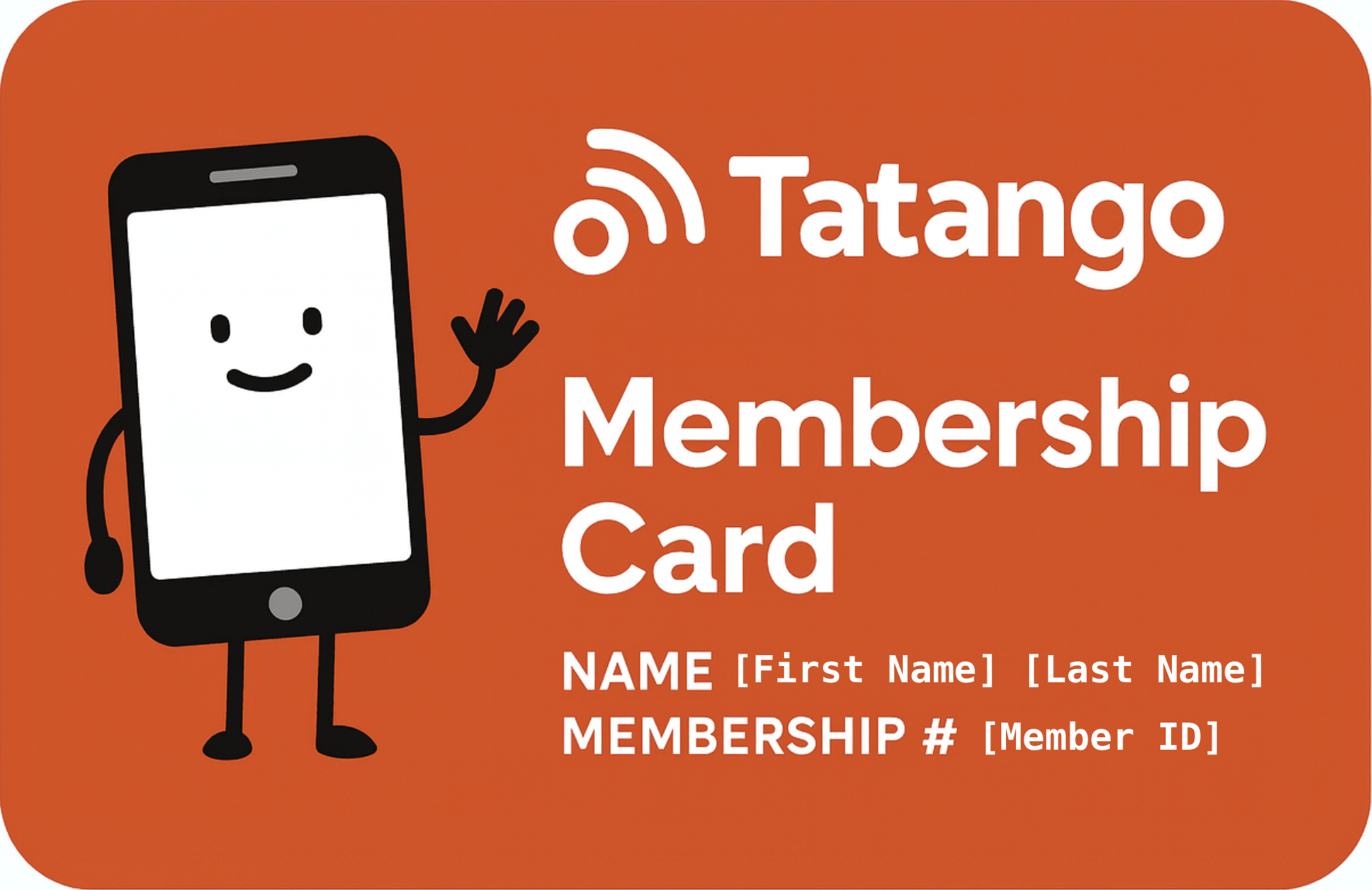
Tailor visuals to each constituent by merging names, donation amounts, event details, and more directly into your images using merge tags. Dynamic Images works with tools like Cloudinary, Imgix, BannerBear, and the Google Maps Static API — design your image with dynamic placeholders, copy the image URL into the Media Library, and a unique visual is generated for each recipient at send time.
Other Updates
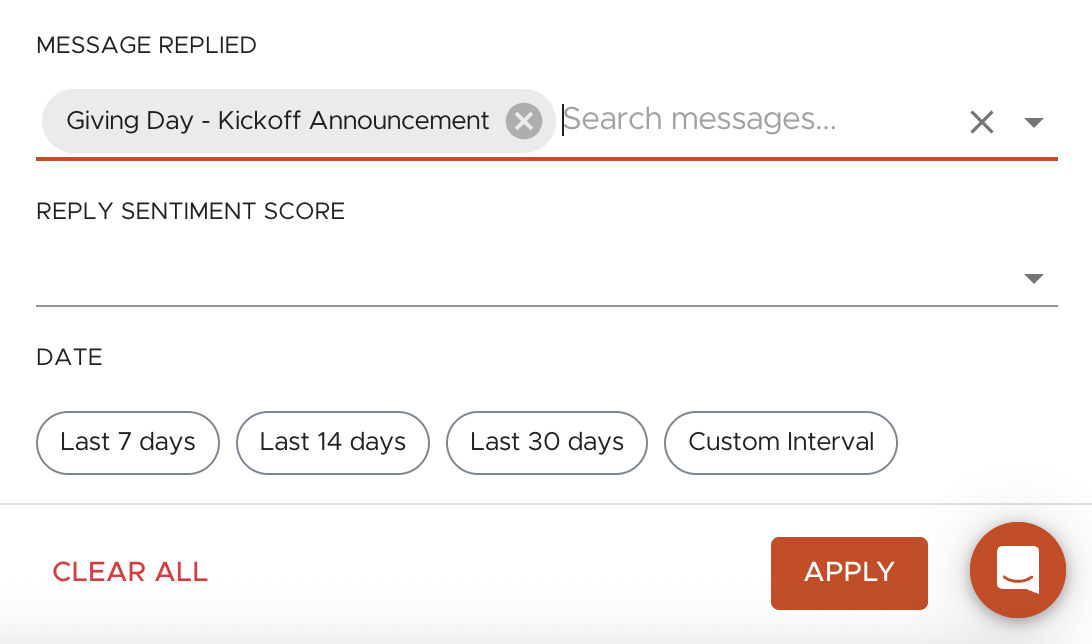
Filter replies by broadcast message
Filter Inbox replies by the broadcast message a subscriber responded to (sent in the last 120 days), making it easy to focus on the conversations tied to a Day of Giving, an event registration push, or a time-sensitive deadline.
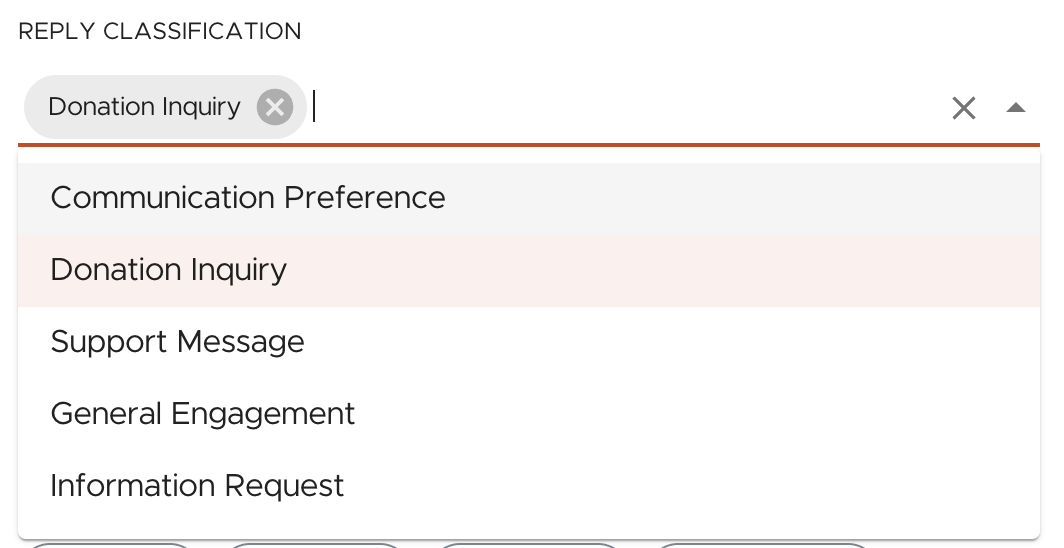
Filter Inbox by AI reply classification
Replies are automatically grouped into one of five categories — Donation Inquiry, Communication Preference, Support Message, General Engagement, and Information Request — so you can prioritize the most impactful conversations first and spot patterns in how constituents engage.
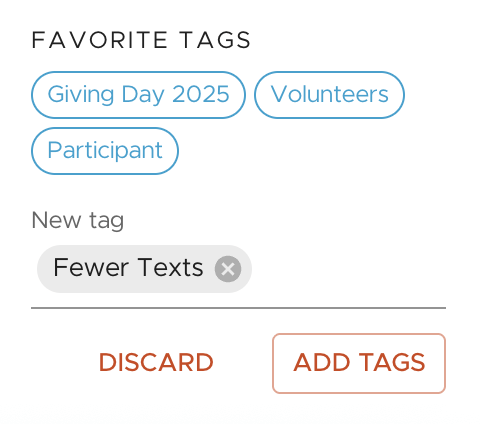
Inbox: view favorite tags and add tags to records
View a list's Favorite Tags directly under subscriber details for quick context (“Major Donor,” “Volunteer,” “Influencer”), and add new tags — existing or brand-new, one or many at once — without leaving the conversation.
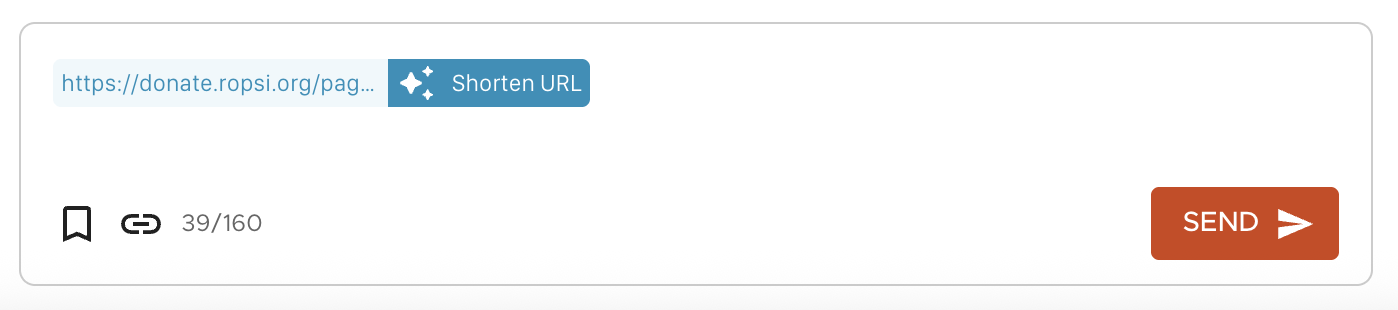
Shorten URLs with a click
Our AI-powered URL shortener is now in Inbox. Type or paste a URL into the composer and a shortcut icon appears so you can shrink the link with a single click before sending your response.
Get notified anywhere when subscribers reply
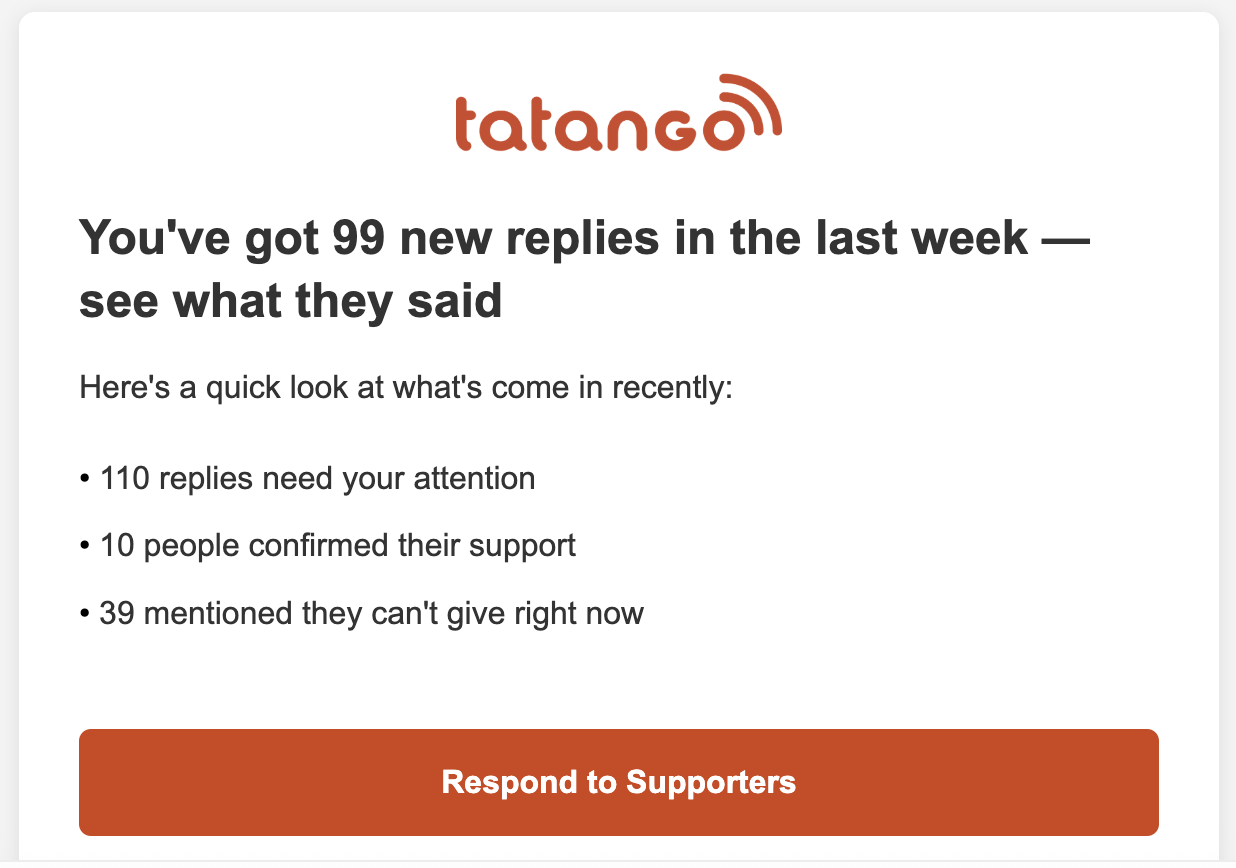
Be notified outside the platform when subscribers reply to your broadcasts, via the channel of your choice — email, text, or browser — at a cadence that works for you: every reply, a daily digest, or a weekly digest. Configure under My Account → Account Settings → Notifications.
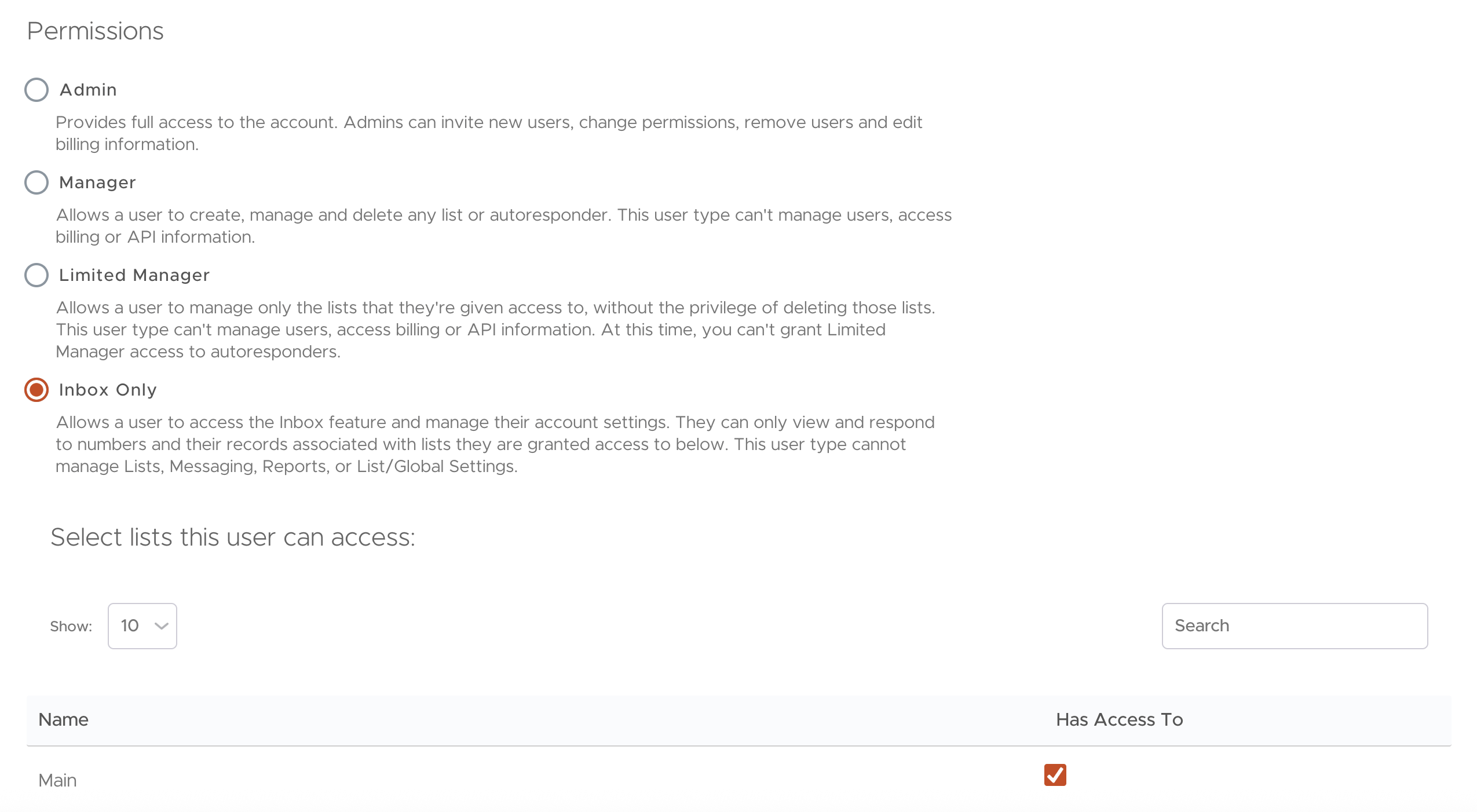
New Inbox-Only role
Assign a new role designed solely to manage replies in Inbox — perfect for affiliate staff, program managers, or customer-experience team members. Inbox-Only users can view and respond to replies from permitted lists and view and edit subscriber records, but cannot view campaigns, send messages, manage lists, or access reporting.
Donation attribution for Blackbaud Raiser's Edge NXT
RENXT customers using the new online giving forms can now attribute donations back to the specific message that drove the gift, in both momoGood and Raiser's Edge NXT. Create an Appeal in RENXT and add the appeal_id parameter to your donation form link, and incoming donations are automatically matched to the correct message for clear performance and fundraising attribution.
Add externally hosted files to the Media Library
Add externally hosted files directly into the Media Library and insert them into messages. If the file changes on the external server it automatically reflects in your messages — great for branding consistency, contact cards, recurring series, and organizations using a Digital Asset Management (DAM) system.